An AI brand logo is generally a practical starting point for a new or growing business when you need a recognizable visual direction quickly. The useful result is not simply a logo image. It is a logo you can adapt, pair with colors and fonts, and use consistently on the places customers actually see: your website, social profiles, proposals, email signature, packaging, and printed materials.
For many entrepreneurs, the challenge is not a lack of ideas. It is turning a business name into a visual identity without spending weeks comparing disconnected design options. AI-assisted tools can shorten that early process, but the output still needs judgment. A logo that looks appealing in a preview may not work at a tiny social profile size, on a dark background, or in a one-color print application.
What an AI Brand Logo Can Help You Create
An AI logo tool typically begins with information you already have: your business name, industry, style preferences, and sometimes a short description of what you offer. It uses those inputs to generate logo directions that you can review and customize.
This approach is generally suitable when you have a clear business name, need a polished starting point, and can make straightforward choices about the personality you want to communicate. A bookkeeping service may lean toward clarity and restraint. A handmade candle shop may choose a warmer, more expressive direction. Neither style is automatically better. The right choice depends on the audience, the offer, and where the brand will appear.
The strongest use of an AI-assisted process is building a coordinated system around the mark. That system may include a color palette, font pairings, logo variations, and branded layouts for everyday use. Without those supporting pieces, even a good logo can feel inconsistent once it moves beyond a profile picture.
Start With a Clear Brief, Not a Vague Prompt
Better input usually leads to more relevant logo concepts. Before generating anything, write down a short brief in plain language. You do not need formal design vocabulary. You do need a few decisions.
Define what your business does in one sentence, who it serves, and the feeling you want people to take away. Then identify practical constraints. Will your name be long? Does the logo need to work on product labels? Will most customers find you on a phone? These details affect the type of logo that may be suitable.
For example, a long consulting business name may need a simple wordmark or a compact symbol-and-wordmark combination. A short online store name has more room for a distinctive typographic treatment. If your business relies on an icon, make sure it remains understandable when reduced to a small size.
Avoid asking the logo to explain every service you provide. A logo is an identifier, not a brochure. It should be recognizable and usable. Your website copy, product descriptions, and sales materials can carry the fuller message.
Choose a Direction You Can Use for Years
Trends can be useful references, but they are not a decision framework. A heavily detailed illustration, thin lines, or elaborate effects may look interesting in a large mockup and become difficult to reproduce elsewhere.
Consider whether the concept works in black and white, whether its shapes remain clear at small sizes, and whether it can sit beside your business name without looking crowded. These checks are more useful than trying to make a logo look like every competitor in your category.
It also helps to distinguish personal taste from business fit. You may personally prefer bright colors or decorative type, while your clients expect something quieter and more direct. There is room for personality, but the brand should make sense in context.
Customize the Logo Before You Commit
Generated concepts are starting points, not a reason to skip review. Spend time adjusting the details that affect everyday use: spacing, color contrast, font legibility, icon scale, and the relationship between the symbol and the business name.
Look at the logo in realistic settings rather than only on a blank screen. Place it mentally on a website header, a square social avatar, a presentation cover, a business card, and a simple invoice. If a logo only works in one large horizontal layout, it may create unnecessary friction later.
A practical logo set usually includes more than one arrangement. You may need a primary logo for your website and documents, a stacked or compact version for narrow spaces, and a simple icon or monogram for social profiles. The exact set depends on your business, but planning for these situations early can prevent improvised variations later.
Color needs the same level of care. Your main brand color should have supporting colors that work in backgrounds, buttons, headings, and printed pieces. Check contrast when text appears over a color. A palette can be attractive and still be difficult to read when used carelessly.
Typography is equally functional. Choose fonts that are readable at the sizes you expect to use. A display font may be appropriate for a logo or headline, while a simpler companion font is often easier to use in emails, web copy, proposals, and captions. Limit the number of fonts so the brand remains manageable.
Prepare the Assets Your Business Actually Needs
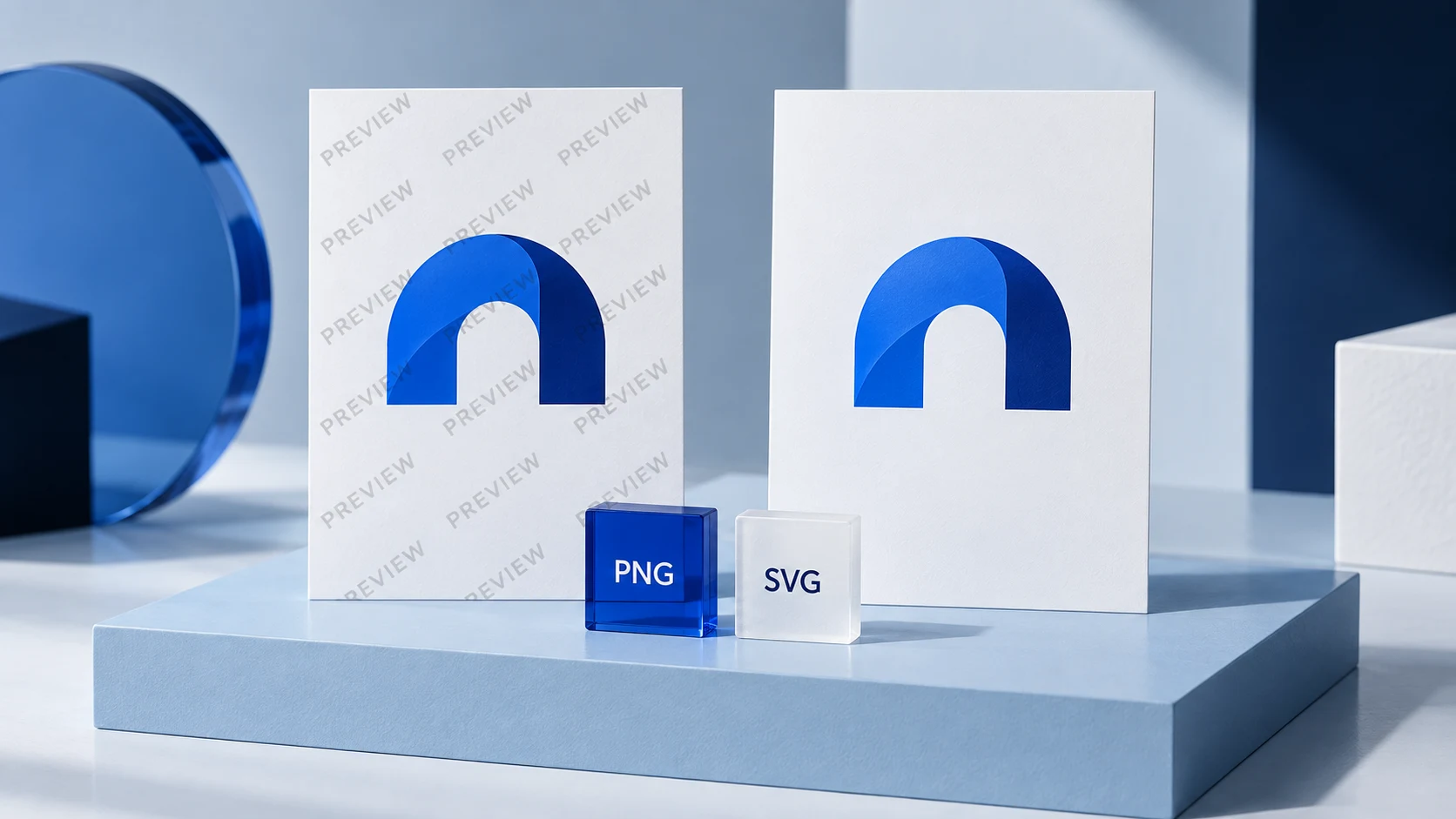
A finished logo file is only useful if it is appropriate for its destination. Raster files are made of pixels and are common for web and social use. Vector files are built from shapes and can be resized without losing clarity, which generally makes them useful for print, signage, and other large-format applications.
Before you launch, organize your assets in a simple folder structure. Keep your primary logo, alternate versions, icon, colors, and font information together. Label files clearly so you do not accidentally send an outdated version to a printer, web developer, or collaborator.
Your brand kit should also answer a few recurring questions: Which logo goes on a dark background? How much empty space should surround it? Which colors are approved for text and backgrounds? What fonts should be used in a proposal or social graphic? These are small decisions, but documenting them makes your brand easier to apply consistently.
Ficonica can be a practical option for businesses that want to move from a name and industry description toward logo concepts, customization, coordinated visual elements, brand guidelines, and downloadable assets without beginning with a traditional agency engagement. What is included can depend on the selected product, so review the available deliverables before building your workflow around them.
AI Logo Tool, Freelancer, or Agency?
The right route depends on the complexity of the work, your budget, and how much strategic guidance you need. An AI-assisted platform is generally suitable for a founder who needs a fast visual foundation and is comfortable choosing from generated directions and making practical refinements.
A freelance designer may be a stronger fit when you want close collaboration, a more tailored concept, or help translating specific creative references into an original direction. A branding agency may make sense for a larger organization, a complex repositioning, multiple audiences, packaging systems, detailed research, or extensive creative direction.
These options are not interchangeable, and they do not need to be framed as competitors in every situation. A small business might use an AI-assisted tool for an early launch, then hire a designer later when the business has expanded its product line or clarified its positioning. Another business may need custom design expertise from the start because its visual requirements are unusually specific.
No logo process can determine whether a name or design is legally available, protectable, or appropriate for your intended use. If those questions matter to your launch, seek qualified legal guidance separately. Visual branding and legal review are related in practice, but they are different tasks.
Use Consistency to Make the Logo Do Its Job
A logo becomes more recognizable through repeated, consistent use. That does not mean placing it in every corner of every page. It means using the same approved version, colors, and typography often enough that your materials feel connected.
Start with the highest-priority touchpoints: your website, social profile images, email signature, proposal or invoice template, and any printed item customers receive regularly. Apply the system there before creating a large collection of optional graphics. A focused set of materials is easier to maintain than a folder full of one-off designs.
Review the identity again after you have used it in real situations for a few weeks. You may find that a secondary logo is more useful than expected, a color needs a clearer usage rule, or your chosen font is awkward in documents. Those are practical refinements, not failures. The goal is a brand you can use with confidence, not a logo that only looks finished in a preview.