A paid logo maker is generally worth considering when you need a polished, usable visual identity quickly and have a clear idea of your business. The value is not simply in paying for a logo image. It is in receiving the variations, editable choices, brand elements, and download-ready assets that let you use that identity consistently.
For a new business, the right option depends on the level of customization you need, how many places your logo will appear, and whether you need creative strategy beyond visual design. A paid tool can be a practical middle ground between a free generator and a fully custom design engagement.
What a paid logo maker should provide
A basic logo preview is not a complete identity. Before paying, look beyond the first concept on screen and consider what you can actually use after checkout.
At a minimum, a logo should work in more than one format. Your website header may need a wide horizontal version, while a social profile image may need a compact mark or monogram. A single-color version is useful for simple print applications, invoices, labels, and situations where full color is not practical. If a tool only gives you one fixed design in one format, it may create more work later.
A useful paid logo maker also gives you meaningful control over the concept. That may include changing the business name, tagline, icon, layout, colors, and typography. The goal is not unlimited design freedom for its own sake. It is the ability to make the identity feel appropriate for your business rather than like a generic template with a name pasted onto it.
The strongest paid options often extend beyond the logo itself. A coordinated color palette and font pairing can help a new business make more consistent choices on its website, social posts, presentations, and printed materials. Brand previews are also helpful because a logo that looks balanced on a plain white screen may need adjustment once you see it on a business card, email signature, or profile image.
The assets that matter after launch
A logo is only useful if you can apply it. Before choosing a tool, check which files and materials are included with the specific product you are considering. Details vary between platforms and packages, so avoid assuming that every paid option provides the same downloads.
For most small businesses, several asset types are more useful than a large collection of novelty mockups. Consider whether you will receive these essentials:
- Logo variations for horizontal, stacked, icon-only, and single-color use
- High-resolution files suitable for common digital and print needs
- Transparent-background versions for websites, presentations, and social graphics
- A color palette with clear color values
- Font information or typography recommendations
- Simple brand guidelines that show how to use the core elements consistently
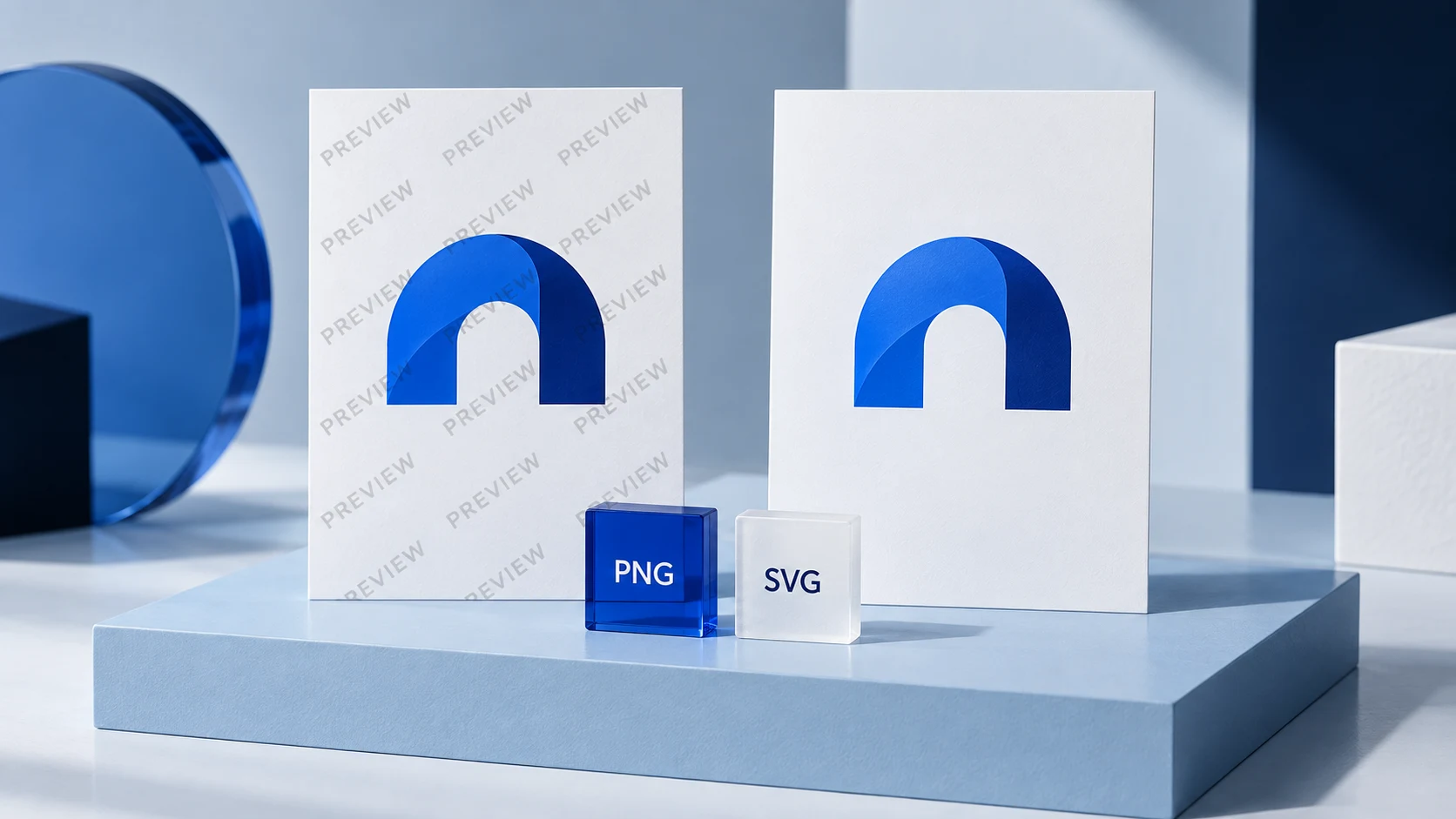
File types deserve special attention. Raster files, such as PNG or JPG, are made from pixels and are common for online use. A PNG with a transparent background is particularly practical when placing a logo over a website color or image. Vector files are built from shapes and can generally scale without losing sharpness, which makes them useful for many print applications and larger formats.
You do not need to become a file-format expert. You do need to know what your printer, web developer, or marketing partner will ask for. If you expect to print signage, packaging, apparel, or large-format materials, confirm the available files before purchasing.
What you are paying for beyond the logo
Free logo tools can be helpful for testing a name, collecting visual references, or understanding your preferences. Their limitations often appear when you need to export the design, create variations, or maintain the same look across different channels.
With a paid tool, you are commonly paying for a more complete workflow: refined customization, access to usable assets, and the ability to keep your visual choices together. This can reduce the friction of launching a basic brand system, especially when you are handling the website, social profiles, and business setup yourself.
That said, price alone does not indicate quality. A higher-priced tool may include more assets than you need, while a lower-priced option may be enough for a consultant who only needs a website logo, LinkedIn profile image, and proposal template. Start with your real use cases. Write down where the brand will appear in the next six months, then compare the deliverables against that list.
Paid logo maker vs. freelance designer vs. agency
A paid logo maker is generally suitable for founders who need direction and speed, have a limited budget, and can make their own decisions about style. It can also suit a business with a straightforward offer that needs a clean, consistent starting point rather than a deeply researched identity system.
A freelance designer may be a better fit when you want more original creative interpretation, direct feedback, or a logo designed around specific visual ideas. The quality and scope can vary substantially, so review a designer's portfolio and clarify what rounds of revision, files, and supporting materials are included.
An agency is often appropriate for organizations facing a more complex challenge. For example, a company may need stakeholder workshops, audience research, brand positioning, naming work, packaging systems, detailed messaging, or a large rollout across many touchpoints. Those services go well beyond producing a logo and usually require more time and budget.
None of these choices automatically improves marketing performance or resolves an unclear business strategy. Visual branding can make your business easier to recognize and present more consistently, but it cannot replace a useful offer, clear pricing, good customer experience, or a sound marketing plan.
How to evaluate a paid logo maker before you commit
Begin with the customization experience. Generate or preview several directions, then test whether you can make practical edits without breaking the design. Can you choose a simpler icon? Change a font to something more legible? Remove a tagline for small uses? A logo should remain recognizable when it is reduced, not depend on tiny details that disappear in a profile image.
Next, review the system around the logo. A coordinated palette should be simple enough to use repeatedly, not a long list of unrelated colors. Font pairings should be readable in the formats you actually use. If you are building a service business, for example, clear typography for proposals and web pages may matter more than a decorative display font.
Then check the download and usage details presented by the platform. Confirm what assets are included, whether you can revisit and edit the project, and what the stated commercial-use terms cover. Questions involving trademark registration, ownership, name availability, or intellectual property are separate legal matters. If those issues are important to your launch, seek guidance from a qualified legal professional rather than treating a logo tool as legal clearance.
Finally, try a real-world test. Place the logo concept beside your business name in an email signature. View it as a small social icon. Imagine it in the top corner of a simple website page. If the design only works at a large size on a pristine mockup, keep refining.
Building a usable identity without overcomplicating it
Early-stage businesses rarely need every brand asset at once. Start with the parts that support your immediate launch: a primary logo, a compact variation, a small color palette, one or two fonts, and basic rules for keeping them consistent. Add collateral as your operations require it.
Ficonica is one option for entrepreneurs who want to move from a business name and industry description toward a coordinated visual system, including logo concepts, customization, colors, font pairings, previews, and guidelines. It may be a practical fit when you want to build these essentials yourself, while a designer or agency may be more suitable for complex creative direction or broader brand strategy.
The useful question is not whether a paid logo maker is better than every alternative. It is whether it gives your business the assets and clarity needed for the next stage of work. Choose the option that lets you show up consistently now, while leaving room for your brand to grow later.