If you are searching for the best ai logo generator with prompt, the short answer is this: the right tool is the one that can turn a plain-English idea into a usable logo direction, then let you refine it into a consistent brand system. A pretty logo preview is not enough. What matters is whether the prompt actually influences the result, whether you can customize the outcome, and whether the tool helps you leave with files and brand choices you can use in real business settings.
That distinction matters because many AI logo tools look impressive in a gallery and frustrating in practice. You type a prompt like “minimal coffee brand, warm earthy colors, modern but friendly, icon plus wordmark,” and the output either ignores half the request or gives you something too generic to use. For a founder, freelancer, or small business owner, the goal is not to generate dozens of images for fun. The goal is to create an identity you can apply across your website, social profiles, proposals, packaging, or print.
What makes the best AI logo generator with prompt useful
A prompt-based logo generator is generally useful when it does three things well. First, it should understand descriptive language, not just keywords. Second, it should produce logo concepts that are editable rather than locked images. Third, it should help connect the logo to the rest of your visual identity, including colors, fonts, and supporting assets.
This is where many tools split into different categories. Some are really AI image generators that happen to create logo-like graphics. They may be good for brainstorming styles, symbols, or moods, but they are often weak at producing clean, practical marks for everyday business use. Others act more like branding platforms. They start with your business name, industry, and prompt, then guide you toward a more complete identity system.
For most small businesses, the second category is usually more practical. You are not just buying inspiration. You are trying to solve a branding problem quickly.
Prompt quality matters more than most people expect
If a tool promises prompt-based logo creation, your input should shape more than surface decoration. A strong prompt does not need to sound technical. In fact, plain language often works better.
A useful prompt usually includes your business type, audience, style direction, and any visual preferences you care about. For example, “Logo for a bookkeeping service for independent contractors. Clean, trustworthy, modern, no mascot, navy and soft gray, simple typography.” That gives the system a clearer direction than “make me a professional logo.”
Even then, results depend on how the tool interprets language. Some systems understand tone well but struggle with layout. Others can suggest good color directions but produce awkward icons. So when comparing options, do not ask only, “Did it make something nice?” Ask, “Did it understand what I asked for, and can I improve the result without starting over?”
Good prompt support looks like control, not just variety
More options are not automatically better. If a generator gives you 100 random outputs, that may feel productive, but it often creates more decision fatigue. Better prompt support usually means you can make targeted adjustments, such as simplifying the icon, changing the font style, reducing visual clutter, or shifting from playful to premium without losing the core idea.
That is a big difference for a business owner with limited time. You want direction, not noise.
How to evaluate AI logo tools without getting distracted by previews
The easiest mistake is judging a tool by homepage examples alone. Those examples are designed to look polished. What you need to evaluate is the workflow.
Start with the prompt experience. Does the tool actually invite descriptive input, or does it mainly push you through preset categories? Presets are not bad, but if the keyword is prompt-based logo generation, the prompt should carry real weight.
Next, look at editability. Can you adjust the logo concept after generation? This includes typography, color, layout, spacing, and symbol direction. If the result is fixed like an image, it may be fine for inspiration but less suitable for a working brand identity.
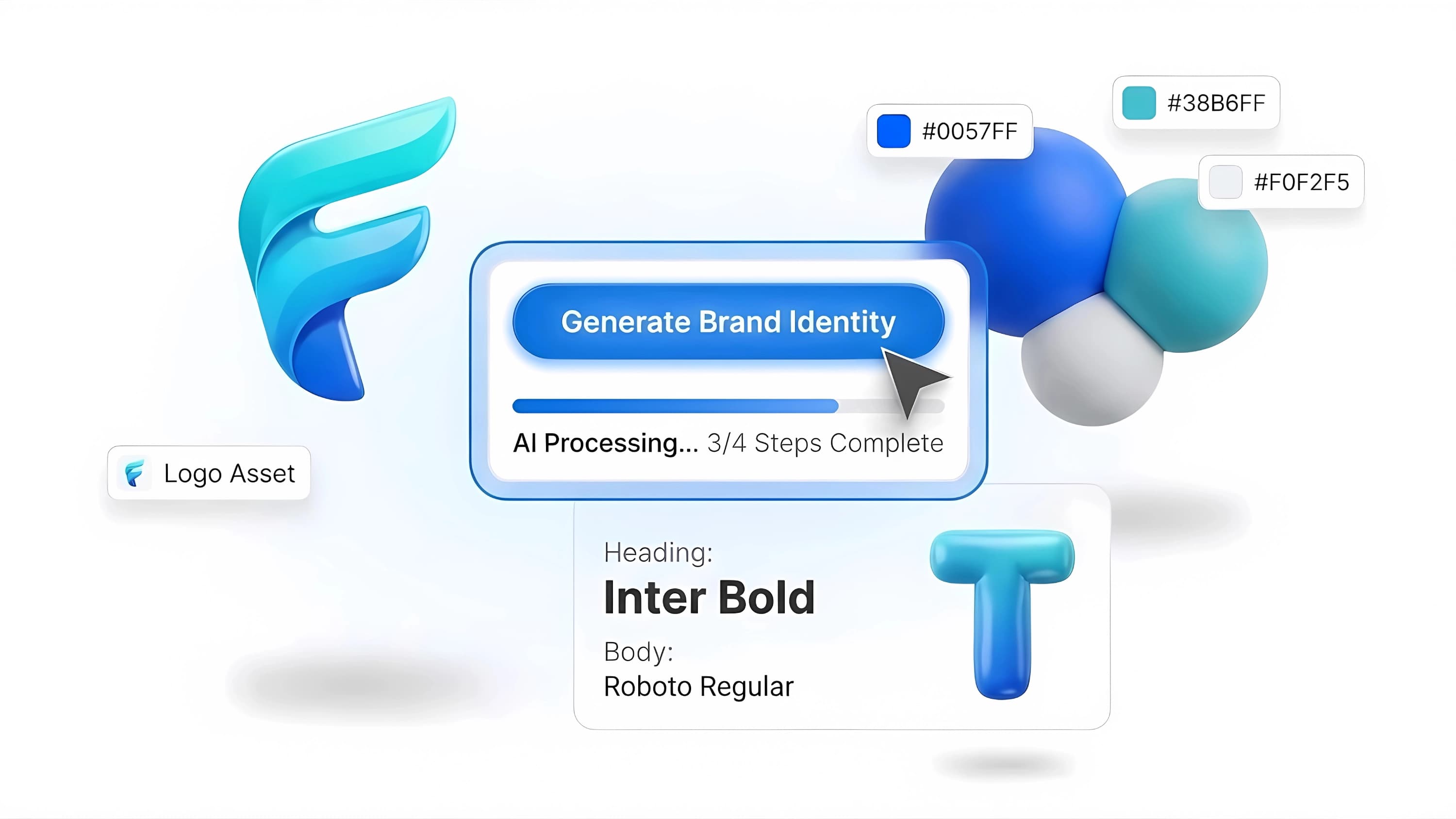
Then consider brand consistency. A logo rarely lives alone. You may also need color pairings, font recommendations, social media visuals, business cards, letterheads, or brand guidelines. If the platform helps connect those pieces, it can save substantial time. If not, you may still end up patching the identity together manually.
Finally, think about output quality in real contexts. A logo that looks sharp in a mockup can fail when reduced to a small website header, printed on packaging, or placed in an email signature. Any tool you consider should support practical brand use, not just attractive previews.
AI logo generator vs designer: the answer depends on complexity
For a solo founder, creator, consultant, or local service business, an AI-assisted platform may help you get to a clean, usable identity faster than hiring a designer right away. That is especially true if your budget is limited, your timeline is short, and your branding needs are straightforward.
But there are cases where AI is not the best route. If you need a highly original illustrated mark, a packaging system, deep competitor research, naming strategy, or custom brand positioning work, a professional designer or agency is often the better fit. The same goes for businesses with multiple stakeholders and more complex approval processes.
This is why “best” is rarely universal. The best ai logo generator with prompt for a new Etsy seller may not be the right choice for a funded startup preparing for a major launch. One needs speed and clarity. The other may need deeper strategic work and more custom design exploration.
Where AI helps most in the branding process
AI is generally strongest at reducing friction at the beginning. It can help you move from a rough idea to several viable directions quickly. That is valuable if you have a business name, a general sense of your audience, and no desire to spend weeks learning design software.
It also helps with consistency when the platform goes beyond the logo itself. If your logo, color palette, font pairing, and basic brand materials are generated within one system, you are less likely to end up with a mismatched identity. For non-designers, that kind of structure may be more useful than unlimited creative freedom.
One practical example is using a branding platform rather than a standalone logo maker. A platform like Ficonica is designed around the broader identity workflow, not just the initial symbol. That may suit businesses that want to go from idea to a coordinated visual system without starting with a traditional agency engagement. Still, if your project needs deeper strategy or highly customized creative direction, a designer may be more appropriate.
Common limitations to watch for
Prompt-based AI logo tools still have limits, and it helps to be realistic about them. They may generate concepts that look familiar, overuse common symbols in crowded industries, or interpret abstract adjectives inconsistently. “Luxurious,” “friendly,” and “innovative” do not mean the same thing to every system.
Another limitation is that visual branding is only one part of building a business. A cleaner logo may help your brand look more consistent, but it does not replace business strategy, messaging, offer clarity, or customer research. If your positioning is unclear, no logo generator can solve that by itself.
You should also separate design output from legal and ownership questions. If you need guidance on trademark clearance or registration, that is a separate process and not something a logo generator should be assumed to handle.
How to choose the right tool for your situation
If you want the best result, start by defining what “best” means for your business. If you need a fast, presentable identity for launch, prioritize simplicity, customization, and usable exports. If you are still figuring out your tone and visual direction, choose a tool that gives you room to iterate from a prompt rather than forcing you into templates too early.
If your brand will appear in many places, from social media to print, consider a platform that helps you build a system rather than a single logo file. And if the first output feels close but not quite right, that is normal. Prompt-based branding usually works best as an iterative process, not a one-click miracle.
A good rule is this: if the tool helps you make clearer branding decisions, it is doing its job. If it only gives you more variations without helping you decide, keep looking.
The best prompt-based logo tool should leave you with more than a logo. It should leave you with momentum, a clearer visual direction, and something you can actually use tomorrow.