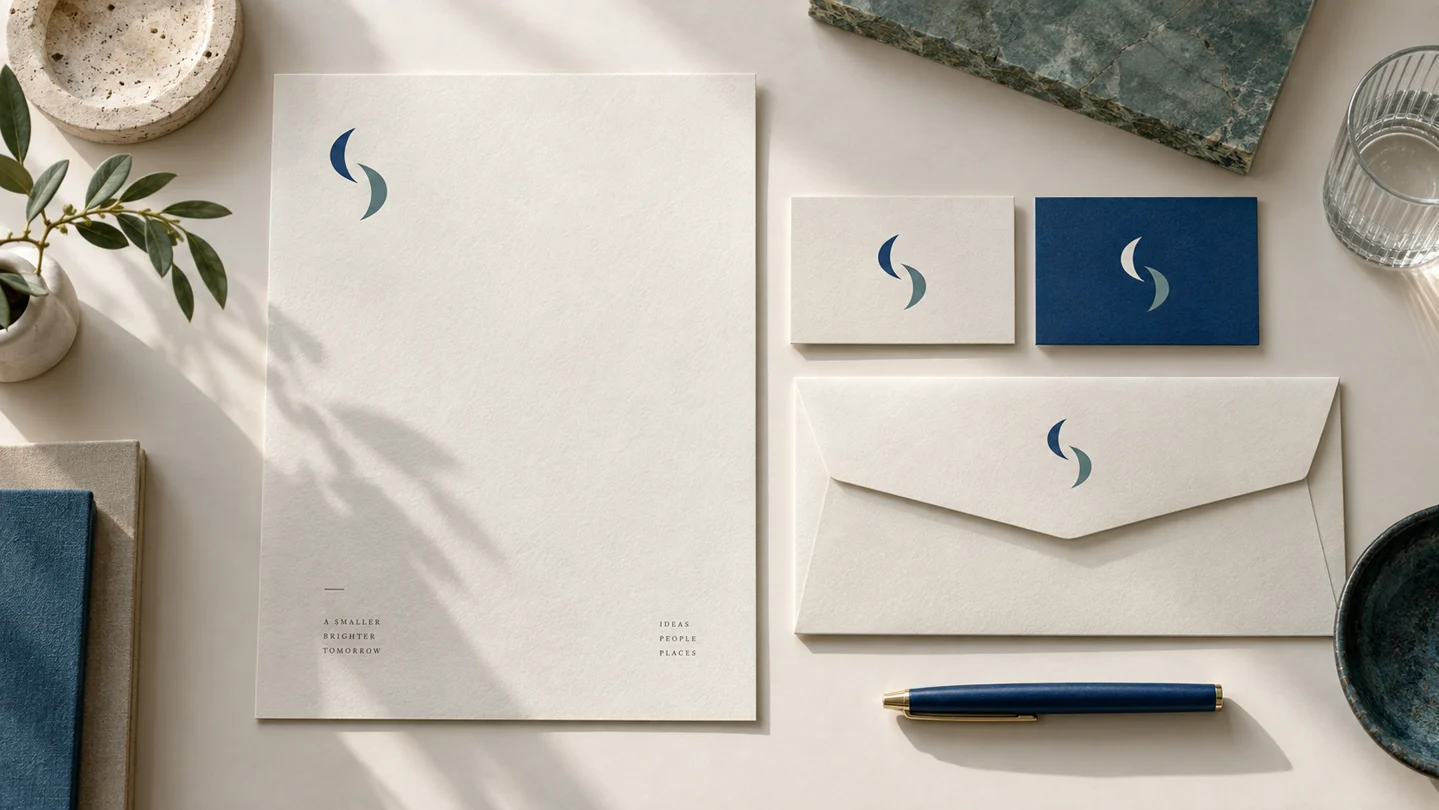
For most small businesses, the SVG vs PNG logo question does not have a one-file answer: use SVG when the logo needs to scale, and PNG when you need a ready-to-place image with transparency. Keeping both formats prevents common problems such as blurry website logos, oversized files, or a logo that will not work in a social media template.
The difference comes down to how each file stores visual information. SVG is built from mathematical paths. PNG is built from a fixed grid of pixels. That technical distinction affects where each file can be used, how sharp it looks, and whether it can be resized safely.
SVG vs PNG Logo: The Core Difference
An SVG, or Scalable Vector Graphics file, describes a logo using points, lines, curves, and shapes. Because it is vector-based, it can be enlarged or reduced without becoming blurry. A simple SVG logo can appear crisp on a phone screen, a large desktop display, or a wide storefront graphic.
A PNG, or Portable Network Graphics file, is a raster image made of pixels. It has fixed dimensions, such as 1200 by 1200 pixels. It can look very sharp at its intended size, but enlarging it beyond that size may make edges look soft or pixelated.
Both can support transparent backgrounds, which is why they are useful for logos. But they serve different jobs. SVG is generally the flexible master file for digital use. PNG is generally the convenient finished image for platforms and tools that do not accept SVG uploads.
When to Use an SVG Logo
Use an SVG when the placement may change size or when you want the sharpest possible logo in a browser. It is often a good choice for website headers, responsive websites, app interfaces, email signature layouts that support it, and design files.
For example, a horizontal logo may need to display at 140 pixels wide in a mobile menu and 280 pixels wide on a desktop header. An SVG adapts to both dimensions without needing separate high-resolution versions. This can also keep simple logo files relatively small compared with a very large raster image.
SVG files are especially helpful when your logo includes clean typography, geometric forms, or icon-style artwork. A developer can often change the display size with no loss of quality.
There are limitations. Some website builders, marketplaces, social platforms, and document editors do not accept SVG uploads. Certain older software workflows may also handle SVG inconsistently. SVGs can contain editable vector information, so they are not always the right file to send if someone has asked specifically for a flattened image.
For professional printing, ask the printer which format they prefer. Many printers request a print-ready PDF or another vector format rather than SVG. SVG is still useful source artwork, but print requirements vary by supplier, item, and production method.
SVG is not automatically better for every logo placement
A scalable file solves a resolution problem, not every design problem. If a detailed logo is reduced to the size of a social profile image, fine text and small decorative elements may still be hard to read. That is a logo-variation issue, not an SVG issue.
Consider preparing a simplified icon or mark for very small spaces. A clear logo system usually includes more than one layout: perhaps a full logo for broad placements and a compact version for avatars, browser icons, or product labels.
When to Use a PNG Logo
Use a PNG when a platform asks for an image upload, when you need a transparent background, or when you are placing your logo in everyday files such as presentations, social graphics, invoices, and simple documents.
A PNG is widely accepted and easy for non-designers to use. You can insert it into a slide deck, upload it to a profile page, or place it over a colored background without the white rectangle that often appears with a JPG. This transparency is one of the main reasons PNG is a standard logo delivery format.
PNG is also useful for sharing a logo with vendors or collaborators who do not work in design software. Provide a reasonably large version, but do not assume that one huge PNG will work everywhere. Some upload forms have file-size limits, and a large file may be unnecessary for a small online placement.
The trade-off is resolution. A PNG that looks clear in an Instagram post may not be suitable for a large banner. Its quality depends on the number of pixels it contains and the size at which it is displayed or printed.
Choose PNG dimensions based on the job
Before exporting a PNG, identify the largest size it is likely to be used. For a website logo, a file that is roughly twice the intended display width often looks sharp on high-density screens. If the logo will appear at 250 pixels wide, a 500-pixel-wide PNG is a reasonable starting point.
For a presentation or social graphic, use the canvas dimensions required by that platform or template. For a larger printed piece, do not simply stretch a web PNG. Start with vector artwork or follow the printer's file specifications.
PNG does not support an infinite range of resizing. Save appropriately sized copies for common uses rather than asking one small image to cover every situation.
How SVG and PNG Handle Backgrounds, Color, and Detail
Both SVG and PNG can have transparent backgrounds. That makes either format suitable for placing a logo over white, black, a brand color, or a photograph. The actual logo colors still need enough contrast against the chosen background to remain legible.
A transparent file is not the same as a universally visible file. A dark logo may disappear on a dark header, while a light logo may disappear on a white page. Keep approved light and dark logo variations so you can choose the correct version instead of adding effects or altering brand colors each time.
SVGs tend to work best with vector artwork. If a logo contains a photographic texture, complex raster shadow, or other pixel-based effect, SVG may not provide the same practical advantage. It can even become unexpectedly large or render differently across software. In those cases, a high-quality PNG may be more dependable for the specific asset.
Color is another production detail to check before printing. Digital screens typically use RGB color, while many print workflows use CMYK or spot-color specifications. SVG versus PNG does not settle that question. Your printer can confirm the required color setup and file format for the item you are producing.
A Practical Logo File Set for a New Business
Instead of choosing SVG or PNG once, build a small, organized set of logo files. The goal is to make routine brand use simple for you and anyone who helps with your website, social posts, or printed materials.
At a minimum, keep your primary logo in SVG format, plus high-resolution PNG versions with transparent backgrounds. Include a full-color version and, when your identity requires it, light and dark variations. A horizontal layout and a compact mark can also reduce awkward cropping in different spaces.
Name files clearly. For instance, use names such as `business-name-logo-color.svg`, `business-name-logo-white.png`, and `business-name-icon-color.png`. Avoid vague filenames such as `final-new-logo-2.png`. Clear naming saves time when a contractor, printer, or team member needs the right file quickly.
Store the files in one shared brand folder alongside your color values, font names, and simple usage notes. This does not replace a full brand strategy, but it makes everyday consistency more manageable.
If you are building an identity from scratch, a platform such as Ficonica may help organize logo concepts, colors, fonts, previews, and downloadable brand assets in one workflow. For a business that needs extensive research, original illustration, complex packaging, or highly customized creative direction, an experienced designer or agency may be the more suitable route.
Common Mistakes to Avoid
The most frequent mistake is using a low-resolution PNG as the only logo file. It may work for a profile image, then fail as soon as the business needs a sign, printed handout, or larger webpage element.
Another is uploading an SVG everywhere without checking the platform's accepted formats. When SVG is unsupported, use a properly sized PNG rather than taking a screenshot of the logo. Screenshots often introduce blurry edges, inconsistent spacing, and unwanted backgrounds.
Also avoid recreating your logo in a word processor or changing its proportions to fit a space. If the logo feels too wide, too tall, or too detailed for the placement, use an approved alternate layout. Consistency comes from applying the system correctly, not forcing one file into every format.
The practical answer is simple: keep SVG for scalable digital use and PNG for broad compatibility. Once both are organized and labeled, choosing the right file becomes a quick production decision rather than a last-minute design problem.