An online logo maker review should start with one question: can the tool give you a usable, consistent visual identity for the places your business actually appears? For many early-stage businesses, the answer may be yes - if the tool provides meaningful customization, practical logo files, and supporting brand assets rather than a single attractive image.
A logo maker is generally suitable when you need to establish a clear identity quickly, have a limited budget, and can make straightforward design decisions. It is less suitable when your project requires a deeply researched brand strategy, custom illustration, a complex packaging system, or a highly distinctive creative direction. The right choice depends on the scope of your business and what the logo needs to do.
What an Online Logo Maker Should Actually Deliver
A logo is not just the mark at the top of your website. It also needs to work in a browser tab, on a social profile, in an email signature, on a presentation, and possibly on signage or printed materials. A review of any logo maker should look beyond the first generated concept.
Start by checking whether you can adjust the parts that most affect the result: the icon or symbol, business name, tagline, font, colors, spacing, and layout. A tool that produces many concepts but offers little control may be useful for inspiration, but it may not be enough for a logo you plan to use for years.
Next, consider whether the platform helps you build a small visual system around the logo. Coordinated colors and font pairings can make a new business look more organized across its website, social posts, documents, and customer communications. This is visual consistency, not a promise of marketing performance. It simply gives you a repeatable framework for presenting your business.
Online Logo Maker Review Criteria That Matter
1. Customization without design complexity
The best workflow for a non-designer is not necessarily unlimited creative freedom. Too many controls can make a simple task slow and confusing. Look for a tool that lets you make clear, useful changes without requiring professional design software knowledge.
You should be able to test a few directions before settling on one. For example, a bookkeeping firm may need to compare a conservative wordmark with a simple abstract symbol, while a handmade candle business may want to see whether a softer serif typeface suits its positioning better than a geometric sans serif. Neither direction is universally correct. The decision should reflect your audience, category, and the personality you want to communicate.
Also examine how easy it is to revise your design. Business names change, taglines are often dropped, and a logo that looked fine on a white screen may need a stronger version for dark backgrounds. Practical editing matters more than an impressive initial gallery.
2. Logo formats for real-world use
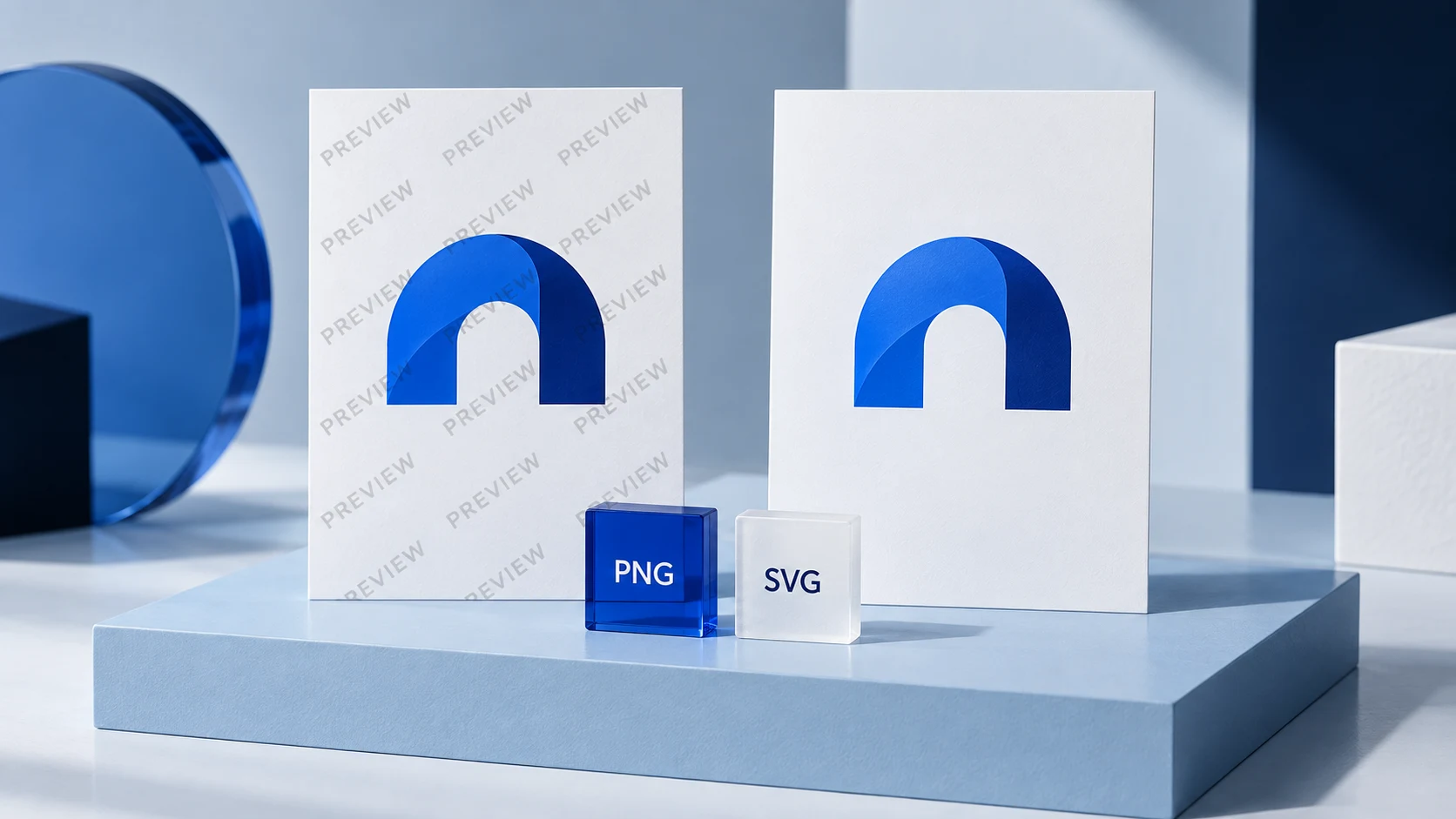
A good-looking preview is not enough. Before choosing a platform, understand which files are available and where you will use them. Raster files, such as PNG and JPG, are made of pixels and are commonly used online. A transparent PNG is particularly useful when you need to place your logo over a colored background or photo.
Vector files, commonly provided in formats such as SVG, PDF, or EPS, are designed to scale without becoming blurry. They are often useful for print vendors, signs, apparel, and other larger-format applications. The exact file requirements depend on your printer, web platform, and use case, so it is sensible to confirm what you need before purchasing or exporting.
You may also need more than one logo arrangement: a horizontal version for a website header, a stacked version for narrower spaces, an icon for social profiles, and a simplified mark for small applications. If a maker does not support these needs directly, ask whether you can create and download suitable variations yourself.
3. Brand assets beyond the logo
A logo maker has greater practical value when it supports the rest of your launch materials. Depending on the platform and selected product, this may include social media materials, business cards, stationery, letterheads, email signatures, brand previews, and guidelines.
These materials are useful because they reduce the number of one-off design decisions you make later. A brand guideline does not need to be a large agency document to be helpful. Even a simple reference for your approved logo versions, colors, and fonts can keep a website update or social template from drifting away from the original look.
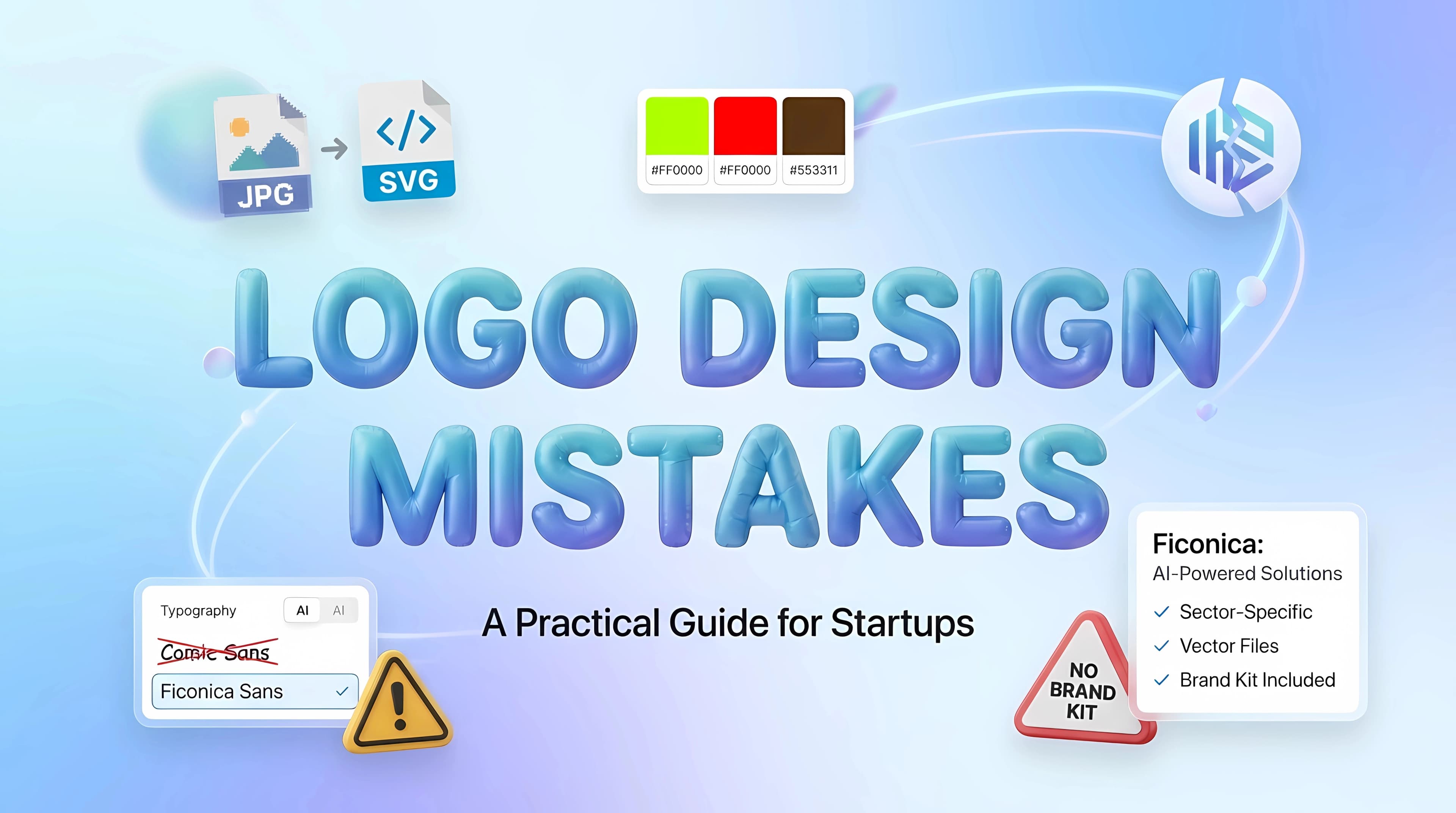
Ficonica is one option for businesses that want to move from a name and industry description toward a coordinated identity system, including logo concepts, customization, color palettes, font pairings, brand previews, guidelines, and downloadable materials where available. It may fit founders who want a structured starting point without beginning with a traditional agency engagement. As with any platform, review the specific product details before deciding which assets are included for your needs.
4. Previews that reveal problems early
A logo can look balanced in an editor and still fail in use. Review tools that show your design in realistic contexts, such as website headers, social profiles, business cards, or stationery. These previews help you assess scale, contrast, and readability before you commit.
Pay close attention to small sizes. Detailed icons, thin lines, and long taglines can become difficult to read when reduced to a profile image or mobile header. If the business name is long, a wordmark-only approach may be clearer than forcing an icon and a tagline into a tight space.
Color is another practical test. Your logo should remain recognizable in black and white, on light backgrounds, and on dark backgrounds. That does not mean every design must look identical in every setting. It means you should have intentional versions for common situations.
5. Clear terms and a realistic process
Before using a logo commercially, read the platform's current terms for the selected product. Check what the terms say about the files you receive, permitted uses, and any limits that may apply. If your business depends on a name or design being legally available, seek qualified legal guidance. A logo maker is a design tool, not a substitute for trademark research, registration, or legal advice.
It is also worth considering whether the generated concepts feel too close to generic category imagery. A coffee cup for a cafe or a roofline for a contractor is not automatically wrong, but familiar symbols can be harder to differentiate. Customizing the type, composition, and color direction may help make the result feel more specific to your business.
AI Logo Maker vs. Designer or Agency
An AI-assisted logo maker is generally a practical option for a solo consultant, online shop, local service business, or early startup that needs a credible foundation quickly. It can help you explore directions, create usable assets, and establish consistency while the business is still taking shape.
A freelance designer may be a better fit when you want individual creative feedback, more original illustration, or a designer who can interpret details that are difficult to express in a questionnaire. A branding agency is usually more appropriate when your project includes customer research, brand positioning, naming, a complex product architecture, environmental design, packaging, or a large rollout across multiple teams.
This is not simply a question of budget. It is a question of complexity and collaboration. If you already have a clear business name, a defined audience, and a need for practical launch assets, an online tool may be enough. If the business itself is still unclear, starting with a logo may put visual decisions ahead of strategic ones.
A Simple Way to Evaluate Your Final Design
Before downloading anything, test the logo against the situations you expect in the first six months of business. Place it on your website header, a social profile, an invoice or proposal, a basic email signature, and any print material you plan to order. If it stays readable, feels appropriate to your category, and uses the same colors and type consistently, you likely have a workable starting point.
Do not wait for a perfect logo to begin presenting your business clearly. Choose a design you can use consistently, keep the source files organized, and leave room to refine the identity as your business, audience, and needs become more defined.