Logo Usage Guidelines: What to Include and How to Keep Them Current
Short answer
Logo usage guidelines define how to properly use your logo, including approved versions, colors, spacing, typography, and incorrect uses, ensuring brand consistency and professionalism.
Logo usage guidelines are the rules that show exactly how your logo may and may not be used: which versions exist, what colors are approved, how much space it needs, what backgrounds it can sit on, and which alterations are off-limits. For a small business they turn a logo from a single file into a system anyone can apply correctly.
If you only have a logo file and no instructions, inconsistency starts quickly. Someone stretches the logo to fit a social graphic. Another person swaps the brand color for a close-enough version. A vendor places it on a dark background without a reversed option. None of these are dramatic on their own, but together they make a business look less organized than it really is.
What should logo usage guidelines include?
Five things cover almost every situation a small business runs into. You do not need a sixty-page brand manual.
1. Approved logo versions
Show every approved variation and label its intended use: a primary logo, a horizontal or stacked variation, a symbol or icon if one exists, and light and dark versions for different backgrounds.
Each version should solve a real layout problem. A wide logo suits a website navigation bar; a stacked version works better on a square social profile or a narrow flyer. Name a preferred version too. Without that direction, people pick the least suitable logo simply because it happens to fit the space.
2. Clear space and minimum size
Clear space is the breathing room around the logo that stops nearby text, borders, buttons, or images from crowding it. A simple rule defines that empty area using the height of a letter or a distinctive shape inside the logo itself.
Minimum-size guidance protects legibility. If fine details disappear when the logo shrinks, state the smallest recommended size for screen and for print separately. If a tagline becomes unreadable at reduced scale, say when to use the version without it.
3. Color specifications
A brand color needs more than a visual swatch, because the same color behaves differently depending on where it is reproduced.
| Where it is used | What to specify |
|---|---|
| Websites, digital graphics | Hex value |
| Screens, video, presentations | RGB values |
| Standard print production | CMYK values |
| Specialty print, packaging | Ask the printer what the material requires |
Separate primary colors from supporting colors. Primary colors carry most of the identity; supporting colors give you flexibility for backgrounds, highlights, charts, and social content without making every piece look unrelated.
4. Typography rules
Name the fonts used for headings, body text, and any accents, then explain the hierarchy in plain language: bold heading style for page titles, regular style for paragraphs.
Keep the system manageable. Two typefaces, or even one typeface with several weights, is enough for most early-stage brands. Every extra font makes templates harder to maintain. Include fallback fonts for email and documents, where your chosen font may not be installed.
5. Incorrect uses
A short "do not" section prevents more errors than a long explanation. Show the logo stretched, rotated, outlined, recolored, placed on a low-contrast background, or crowded by other elements.
Visual examples work better than written rules here, because people recognize a problem faster than they parse a restriction. Keep it to mistakes that actually happen, not hypothetical ones that complicate simple work.
Why do small businesses need these guidelines early?
Most founders assume guidelines are something to create later, once the business grows. In practice they are more useful at the beginning, because early-stage businesses produce a surprising amount of visual material fast: a website, social posts, invoices, slide decks, email signatures, packaging inserts, marketplace graphics, print materials.
Two things follow from getting this in place early.
Presentation carries credibility before reputation does. If people have never worked with you, they look for signals that you are organized and ready to deliver. Visual order usually reads as operational order. Design alone does not prove quality, but incoherent materials do raise doubt.
Repetition makes you memorable. Customers often need several exposures before they act. They might see you in search results, notice you later on social, then return to your site after an email. If each touchpoint looks related, the business sticks. Isolated one-off designs do not accumulate.
How do the rules change between digital and print?
The logo is the same; the constraints are not.
On screen, you are working with hex or RGB values, variable display sizes, and backgrounds you do not always control, such as a link preview or a marketplace listing. Legibility at small sizes matters most.
In print, color is mixed physically. CMYK output rarely matches a screen exactly, paper stock changes how ink sits, and a logo that looks crisp on a monitor can fill in at small sizes on absorbent paper. State a minimum print size and give the printer the color values rather than a screenshot.
How does this apply to social media?
Start with the elements that stay visible permanently rather than the individual posts: profile image, bio, header or cover image, pinned content, and link-preview graphics. These are what someone sees while deciding in seconds whether to follow or keep scrolling.
Then adapt the format per platform without changing the identity. A detailed carousel may work on Instagram or LinkedIn while a shorter visual statement fits a faster-moving channel. The platform changes the packaging, not the brand.
To find out where you already drift, review your last 12 to 20 posts and ask: could a new visitor tell these came from the same business? Do colors and fonts repeat enough to build familiarity? Are photos edited in wildly different styles? Look for patterns rather than isolated imperfections. One off-brand post is rarely an issue; a feed with no repeating visual cues is.
Who should create logo guidelines?
It depends on how custom your needs are.
If you need original research, a distinctive strategy, custom illustration, or a full packaging system, a designer or agency is the better fit and will usually build guidelines as part of a larger identity project.
If you are early-stage and mainly need a coordinated, usable identity in place quickly, an AI-assisted branding platform can produce the same core pieces faster. Ficonica generates logo concepts, color palettes, font pairings, and brand guidelines from a business name and description, which covers the five elements above without starting from a blank page.
How do you keep guidelines from going stale?
Guidelines are not permanent because they were exported as a PDF. You will discover that a secondary color lacks contrast in email headers, that a typeface is awkward in presentation software, or that you need a logo variation for a narrow profile image.
Update the guide when a deliberate decision changes, and do not let one-off exceptions quietly become the new standard. Keep a single current version somewhere accessible rather than circulating several outdated files with slightly different rules.
If you work with a freelancer or a social media manager, give them that one reference instead of explaining the brand from memory each time. Before anything is published, a short check is enough: is the graphic readable at mobile size, do the colors match the palette, is the logo used appropriately, does the copy sound like the business.
What logo guidelines will not do for you
Two limits are worth stating plainly, because guidelines are often expected to carry more weight than they can.
Consistency is not sameness. A consistent brand does not mean every post uses an identical layout or that you can never introduce new graphics or campaign materials. It means those choices still relate to the core identity. The system should create cohesion, not creative paralysis.
Visual rules are not brand strategy. Logo guidelines do not define your positioning, write your messaging, validate your business model, or measure marketing performance. They also do not handle trademark clearance or registration. A clean identity makes a business look organized and credible; it is one part of a larger picture that includes your name, message, offer, and customer experience.
If you are just starting, do not wait for a perfect system. Document the basics, keep them in one place, and revise them as you learn.
Frequently asked questions
How long should logo usage guidelines be? For most small businesses, two to six pages is enough. The five elements above can fit on a few pages with examples. Length is not the measure of usefulness; a short guide people actually follow beats a long one nobody opens.
What is the difference between logo guidelines and brand guidelines? Logo guidelines cover the mark itself: versions, color, spacing, size, misuse. Brand guidelines are broader and usually add typography systems, imagery direction, tone of voice, and layout templates. For an early-stage business the two often live in the same short document.
Do I need clear-space rules if I am the only person using the logo? Yes, and sooner than you would expect. The moment a printer, a marketplace, a freelancer, or an ad platform touches your logo, you are no longer the only person using it.
How often should guidelines be updated? When a deliberate decision changes something, not on a schedule. Adding a reversed logo version or replacing a font is a reason to update. A single off-brand graphic is not.

Recommended Articles
Brand Guidelines Every Small Business Can Use
How to Build Brand Guidelines That Get Used
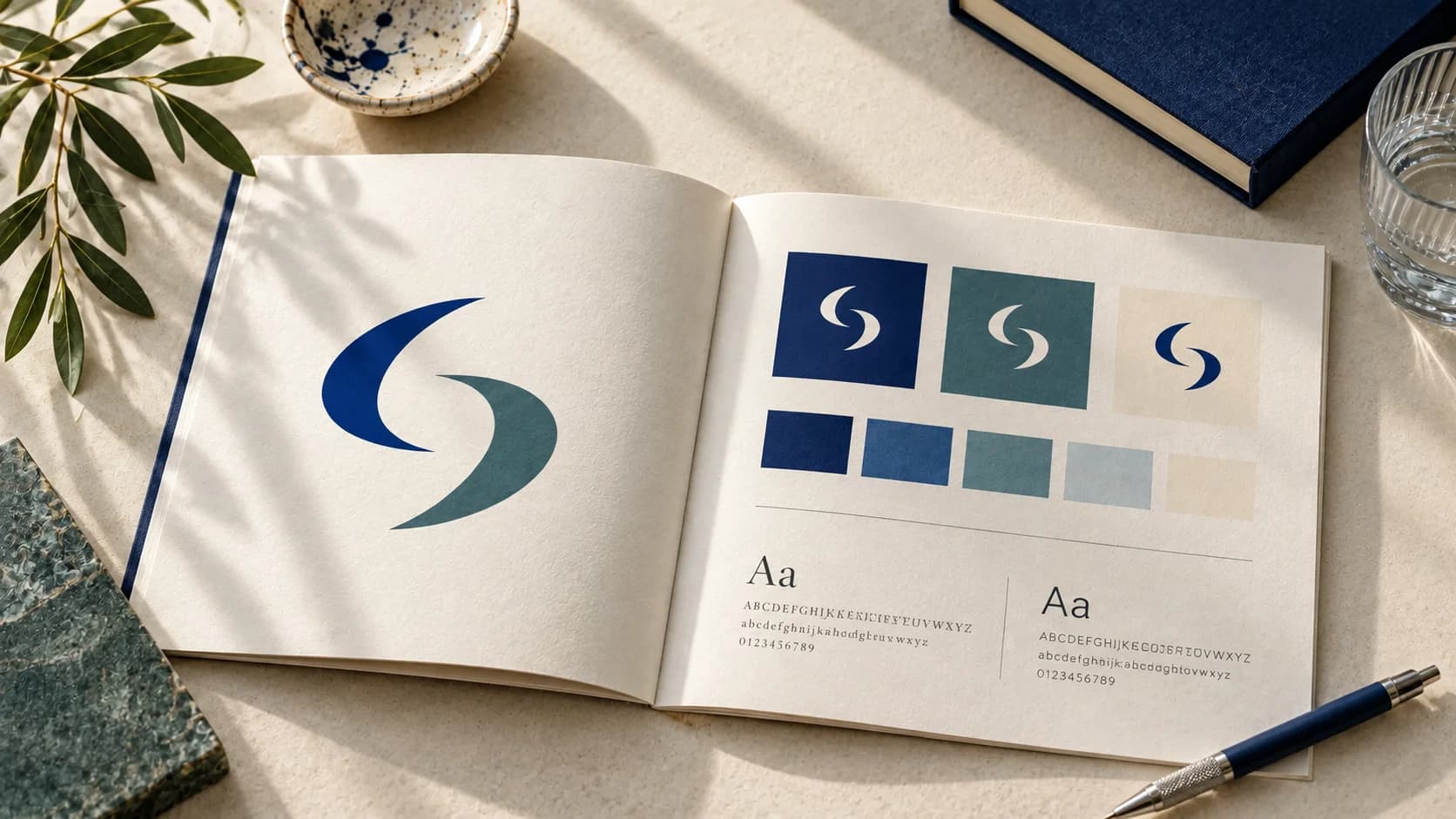
AI Brand Guidelines Generator: From Your Logo to a Five-Page Guide
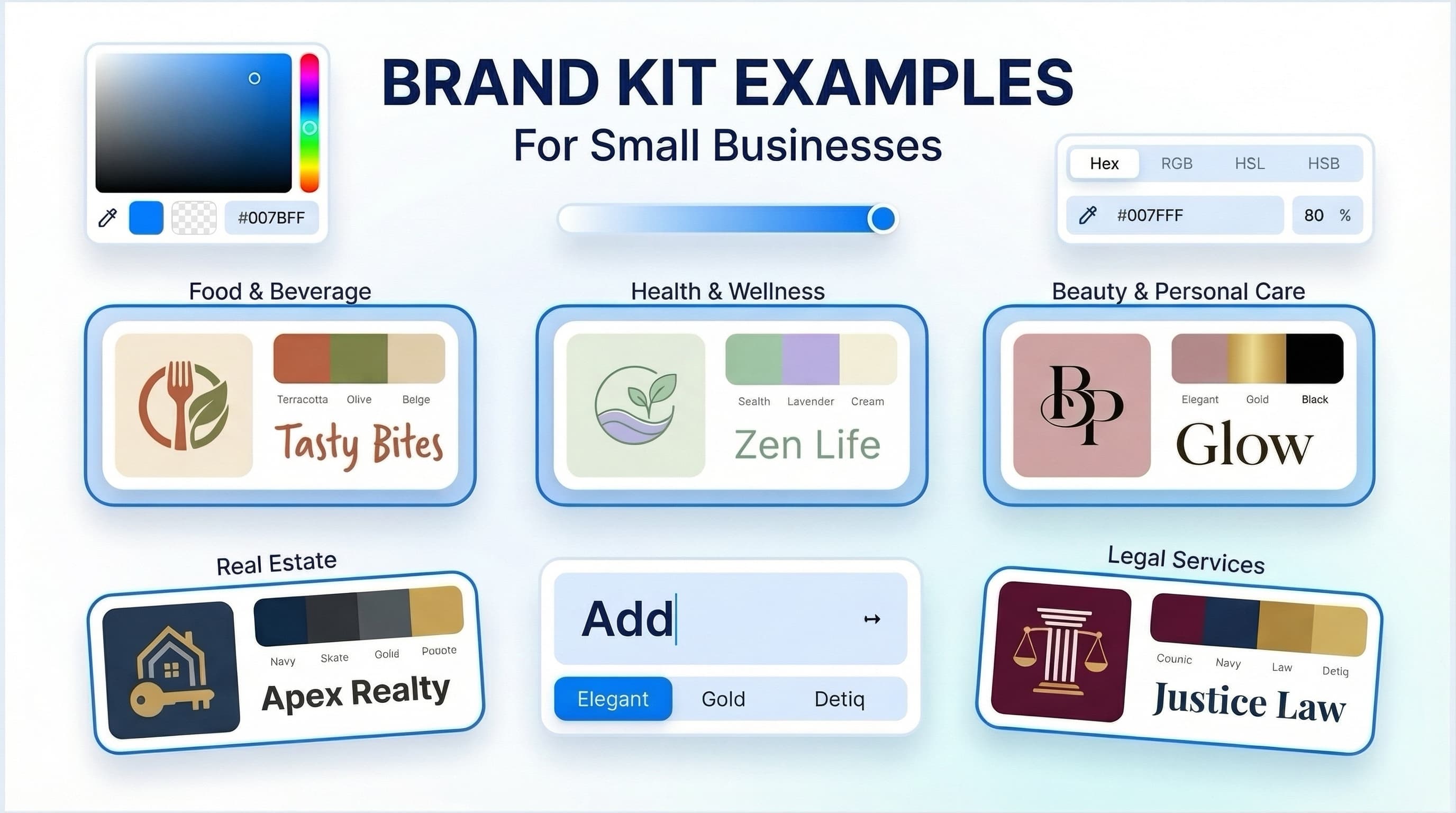
Brand Kit Examples for Small Businesses
How an AI Brand Kit Generator Helps Small Businesses Build Faster
What is a Brand Kit and Why Every Small Business Needs One
Join Our Newsletter
Join our creative community and stay ahead of the curve with fresh design perspectives.