A usable logo needs more than one image file. When people ask what files does a logo need, the practical answer is: at least one editable vector master, web-ready PNG files, a JPG for basic sharing, and logo variations for light and dark backgrounds. If you plan to print, you will also usually need print-ready vector files and a version that works in one color.
The exact package depends on where your business appears. An online consultant may use mostly website and social files. A retail business may need additional versions for packaging, signs, labels, uniforms, and printed materials. The goal is not to collect every format available. It is to have the right files ready so your logo stays clear and consistent wherever customers see it.
What files does a logo need for everyday use?
Most small businesses should keep four core logo file types. Each solves a different problem, and none fully replaces the others.
- SVG is a vector file that stays sharp at any size. It is generally suitable for websites, digital products, and many professional printing workflows.
- EPS is another vector format commonly requested by printers, sign makers, and embroidery vendors. It is less convenient for everyday use but useful to retain.
- PNG is a high-quality image file that can have a transparent background. It is often the most useful option for websites, social graphics, presentations, and email signatures.
- JPG or JPEG is a compact image file with a solid background. It works for simple digital use, but it does not support transparency and is usually not the best choice for a logo placed over different colors.
A PDF logo file can also be helpful. Some printers prefer PDFs because they are easy to view and can preserve vector artwork. However, a PDF is not automatically print-ready just because it opens cleanly. The printer may have requirements for size, color mode, bleed, or embedded fonts.
Why vector files matter
Vector files are built from paths rather than a fixed grid of pixels. That means an SVG or EPS can be scaled from a small product label to a large storefront sign without becoming blurry.
A PNG and JPG are raster files, meaning they are made from pixels. They look good only up to the size they were exported. Enlarging a small raster logo for a banner often produces soft edges and visible pixelation.
Keep the original vector file even if you do not use it often. A vendor may request it months later, and recreating a logo from a low-resolution image can introduce inconsistencies.
Logo versions matter as much as formats
A complete logo handoff is not simply the same logo saved as SVG, PNG, and JPG. It should also include intentional variations that fit different spaces and backgrounds.
Your primary logo is usually the full version with the business name and any supporting symbol or tagline. It may work well in a website header, on a letterhead, or across the top of a presentation. But it may be too wide for a social profile, app icon, or square sticker.
A practical logo set generally includes these versions:
- A full-color primary logo
- A horizontal and/or stacked layout, if both are needed
- A symbol-only or icon-only mark, when the identity includes one
- A black version for light backgrounds
- A white or reversed version for dark backgrounds
- A one-color version for simple printing, stamps, embroidery, or engraving
Not every business needs every variation. If your logo is a simple wordmark with no icon, a symbol-only file may not make sense. Likewise, a startup that operates entirely online may not need an embroidery-specific version right away. Still, thinking through these situations early helps avoid rushed redesigns later.
The right files for web and social media
For websites, PNG and SVG are generally the most useful formats. A PNG is widely supported and easy to upload to website builders, email platforms, and social design tools. Use a transparent PNG when the logo needs to sit on a colored section, photograph, or changing page background.
SVG files are valuable because they remain crisp on high-resolution screens and at different display sizes. Some platforms do not accept SVG uploads, so it is sensible to keep PNG alternatives available.
For social media, you may need more than the logo itself. Profile images are often small and cropped into circles or squares. A full horizontal logo can become unreadable in that space. A simplified icon, monogram, or symbol may work better, provided it remains recognizable as part of the same identity.
Do not stretch a logo to fill a profile frame or add a background color that conflicts with your brand system. Instead, export a purpose-built social profile version with adequate clear space around it.
What you need for print, signs, and merchandise
Print has different constraints than a website. A logo that looks sharp on a laptop may fail when it is enlarged for a sign or reduced for a business card.
For most print suppliers, provide an EPS, SVG, or print-ready PDF first. Ask the vendor what they prefer before sending files, especially for large-format signage, apparel, labels, promotional products, or vehicle graphics. Their production method may affect the file they need.
A one-color logo is especially useful for printing situations with limited inks or materials. It may be used for rubber stamps, engraved products, invoices, fax-style documents, embroidery, and low-cost promotional items. Simply converting a detailed full-color mark to black at the last minute can make fine lines disappear or turn small details into a blur. A designed one-color version avoids that problem.
For photos, advertisements, or basic office documents, a high-resolution PNG or JPG may be acceptable. But a printer should not have to enlarge a tiny website logo to make a brochure or banner. Supply the vector source whenever possible.
Use clear names and organized folders
The value of a logo package drops quickly when every file is called something like `final-logo-new-2.png`. Clear naming makes files easier for you, your team, and outside vendors to use correctly.
A straightforward folder structure might separate files by format and use case: `Vector`, `Web`, `Print`, and `Social`. Within those folders, use names that describe the version, such as `BrandName-Primary-Color.svg`, `BrandName-White.png`, or `BrandName-Icon-Black.eps`.
Include a short brand guide if you have one. It can show the approved logo versions, background choices, minimum size, clear space, brand colors, and fonts. This is not about making every use look identical. It gives collaborators enough direction to avoid accidental changes such as recoloring the logo, adding effects, or using the wrong version on a dark background.
If you create your identity through an AI-assisted branding platform such as Ficonica, review the downloadable assets included with your selected product before finalizing the purchase. Check that the available formats and logo variations match your planned uses, particularly if you expect to work with printers or sign vendors.
Files you may not need immediately
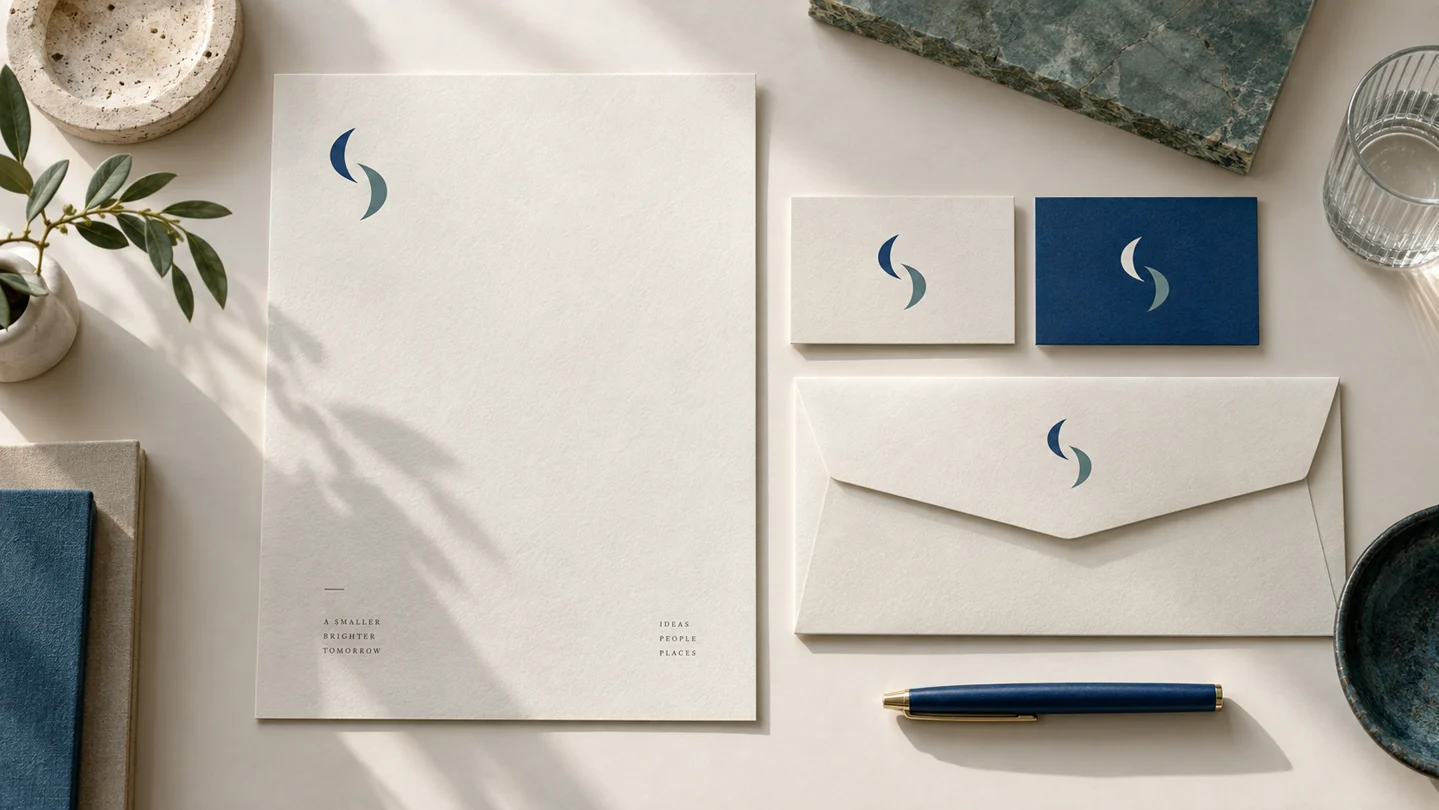
It is easy to over-order assets before you know how your business will operate. You may not need a favicon, app icon, presentation template, stationery suite, or multiple merchandise mockups on day one.
That said, some assets are easier to prepare while the brand system is fresh and organized. If you expect to launch a website, create a social presence, and print business cards within the next few months, having the core logo formats and background variations ready is sensible.
More complex needs may call for professional design support. A freelance designer or agency may be a better fit when you need custom illustration, a detailed packaging system, extensive brand research, or unusual applications that require hands-on art direction. File formats solve production problems, but they do not replace brand strategy or determine whether a logo is legally available to use.
Before you launch, open each file rather than assuming it works. Upload the PNG to a test social graphic, place the white logo on a dark background, view the SVG on your website platform, and send the vector file to your printer for confirmation. A logo package is complete when the files work in the places your business actually needs to show up.