The right logo design software depends less on how many logo concepts it can produce and more on whether it helps you leave with a usable, consistent identity. This logo design software review focuses on the practical questions small businesses face: Can you customize the result, use it across common channels, and keep the brand consistent after launch?
For a new consultant, online store, local service business, or creator brand, software can be a sensible starting point. It can reduce the blank-page problem and make basic design choices feel less technical. But not every tool is designed for the same job. Some are quick logo generators, while others help build a broader visual system. Knowing the difference prevents a common mistake: choosing a logo you like on screen, then finding that it does not work on a website, social profile, presentation, or printed item.
What Logo Design Software Should Actually Help You Do
A logo is one part of a visual identity. A business also needs a repeatable way to use color, typography, spacing, and imagery. Software does not need to replace a full design team to be useful, but it should help you make choices that remain workable outside the editor.
At a minimum, assess whether you can adjust the logo mark, business name, font, colors, alignment, and overall layout. A tool that only swaps templates may be enough for a temporary project, but it can feel limiting when your business needs to look distinct from similar brands.
Also look beyond the primary logo. A practical setup often includes a horizontal version, a stacked version, and a simplified mark or icon where appropriate. Not every business needs all three, but having alternatives can make everyday applications easier. A wide logo may suit a website header, for example, while a compact version may work better in a social profile image.
Logo Design Software Review: The Criteria That Matter
A fair review should not treat visual polish as the only standard. A clean preview is useful, but it is not evidence that the design will work in every format or reflect the level of originality your business requires. Consider the following areas together.
Customization without unnecessary complexity
Good software gives non-designers meaningful control without making every adjustment feel like a technical task. You should be able to test type, color, symbol, and composition choices and see the effect quickly.
The trade-off is range versus simplicity. An editor with hundreds of controls can support more detailed experimentation, but it may slow down someone who needs a clear starting point. A guided tool may be faster, though it can offer fewer unusual design directions. The better choice depends on whether you need speed, broad exploration, or highly specific creative control.
File types and real-world usability
Before committing to a platform, check what files are available and how they can be used. Your needs may include a high-resolution image for digital use, a transparent-background version for flexible placement, and scalable artwork for larger print applications. The specific file types required depend on your website platform, printer, merchandise supplier, and other vendors.
Do not assume every download package includes every variation you may need. Review what is included before purchase, especially if you expect to use the logo on signage, packaging, embroidery, or other specialized applications. A printer or production partner can usually confirm their preferred specifications.
Brand system tools, not just a logo canvas
A logo can look disconnected when it is paired with random fonts and colors later. Tools that support palettes, font pairings, and simple brand guidance may help small teams apply the identity more consistently.
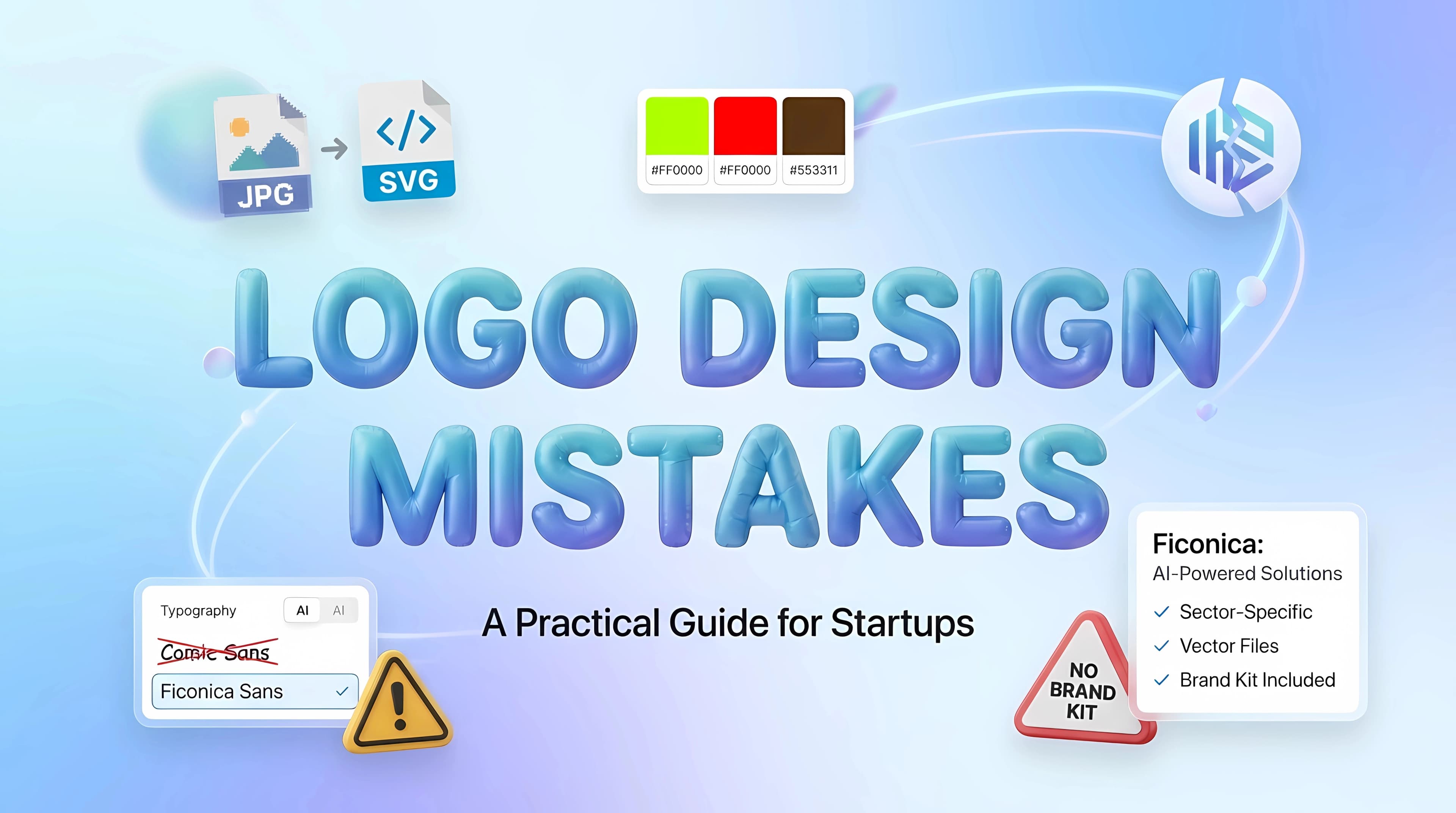
This is where a platform such as Ficonica may be relevant for entrepreneurs who want to move from a business name and industry description toward a coordinated identity, rather than stop at a single logo concept. Its approach includes logo customization alongside color, typography, previews, guidelines, and downloadable brand assets, depending on the selected product. That may suit a business preparing for common launch materials, but it is still worth confirming the exact deliverables that match your intended uses.
Quality of concepts and design judgment
Software can generate options quickly, but you still need to evaluate them. Choose a concept that is easy to recognize at a small size, readable at a glance, and appropriate for the audience you want to reach. A detailed illustration may look appealing in a large presentation but become unclear in a browser tab or profile image.
Avoid selecting a design simply because it includes the most visual effects. Gradients, thin lines, shadows, and small decorative elements can be appropriate in some contexts, but they deserve testing. View the logo in black and white, at a small size, and against light and dark backgrounds before treating it as final.
Terms, originality, and business risk
Read the platform's current terms carefully before using any generated design commercially. Terms can differ by provider and product, and they may change. If legal availability, registration, or exclusive rights are important to your business, obtain qualified guidance for your situation rather than relying on a logo tool alone.
This is also a practical reason to avoid overly generic concepts. A name in a standard font with a common symbol may be quick to create, but it can be difficult to make memorable. Software can help you explore directions, yet it cannot independently determine whether a visual identity is sufficiently distinctive for your market or legal needs.
AI Tool, Freelancer, or Agency?
The best option is not universal. Logo software is generally suitable when you have a clear business name, a limited budget, a straightforward offer, and a need to launch practical materials without a long design process. It may also help if you want to learn what visual direction feels right before investing in custom work.
A freelance designer may be a better fit when you need a tailored identity, thoughtful refinement, or a designer who can interpret detailed feedback. This route can be especially useful if your business has a specific visual concept but you do not have the skills to execute it.
An agency is often more appropriate for businesses that need deeper research, positioning work, original illustration, packaging systems, many touchpoints, or coordination across a larger team. That does not make software a lesser choice. It means each option solves a different level of problem.
A practical middle path is also possible. Use software to organize an early identity and create launch-ready materials, then bring in a designer later when the business has clearer needs, a larger audience, or more complex applications.
Test a Logo Before You Commit
Do not judge a logo only in the editor preview. Put a candidate design through a short, realistic test. First, reduce it to the size of a social profile image and check whether the name and mark remain clear. Next, place it on a plain white background and a dark background. Then view it next to a sample website headline, an email signature, and a simple business card layout.
You do not need to create a full campaign to do this. The point is to see whether the logo supports the places where your business will actually appear. If the design only works with one background, one size, or one exact arrangement, it may create extra work later.
Ask a few direct questions while testing: Is the business name readable? Does the symbol still make sense when small? Are the colors comfortable to use with text? Can you imagine a teammate recreating this look without guessing? These questions are more useful than asking whether a design looks professional in the abstract.
A Sensible Buying Decision
Compare tools based on the work you need to complete in the next few months, not an imaginary list of future possibilities. If you need a basic mark for a simple online presence, a focused logo tool may be enough. If you are also preparing social graphics, stationery, or brand guidelines, a platform with connected assets may save time and reduce visual inconsistency.
Before paying, review the customization process, download options, current terms, and examples of how designs appear beyond the logo editor. Keep your business name, audience, and preferred style in mind, but leave room for practical testing. A logo does not need to carry every message about your business. It needs to be clear, usable, and part of an identity you can apply with confidence as your business takes shape.